


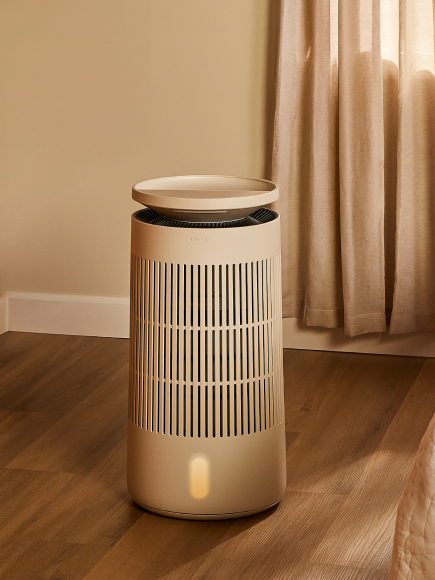

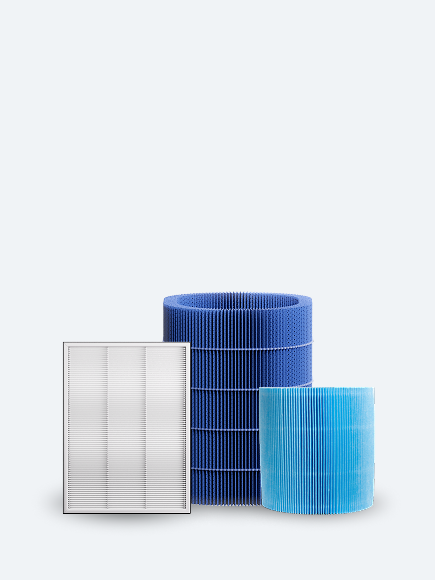
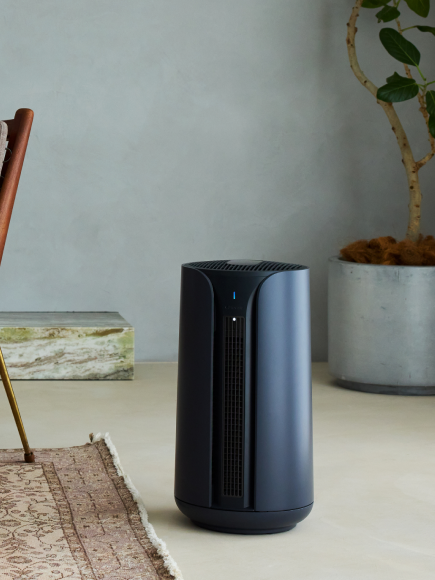
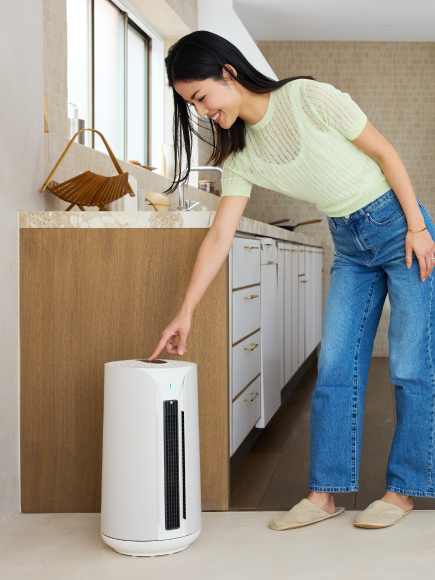
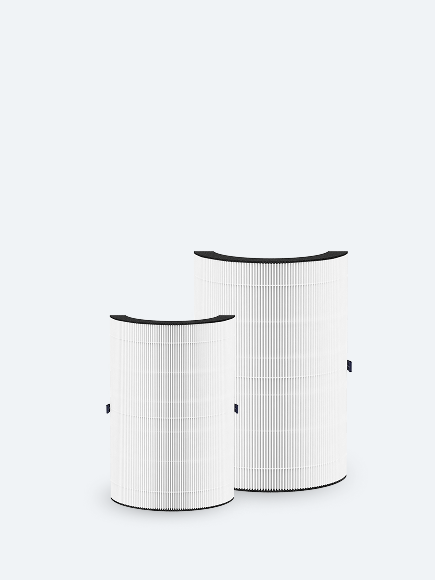


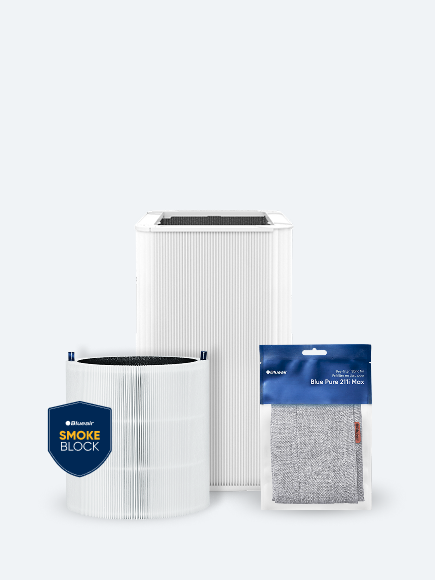


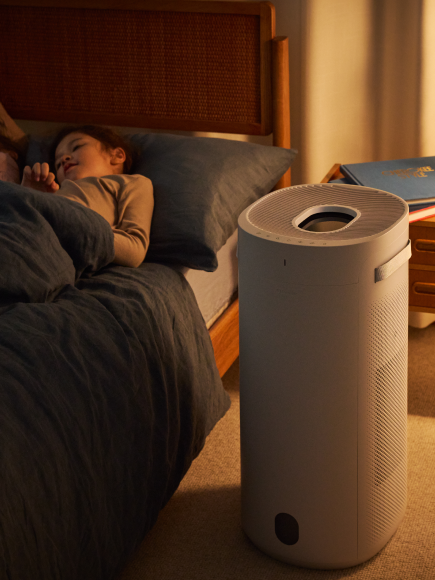

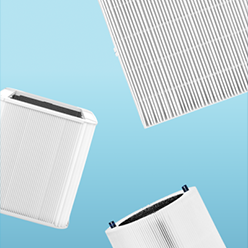
After replacing your filter, you can reset the filter light indicator by pressing the fan speed button for about 15 seconds (until all the LEDs of the interface light up). The filter light indicator will turn off. Then release.
If you want to replace your filter before the recommended time you need to reset the filter light indicator even when the red light indicator is not on yet.
The filter timer runs while the purifier is powered on and running. If the motor is not running, then the filter timer is not running.
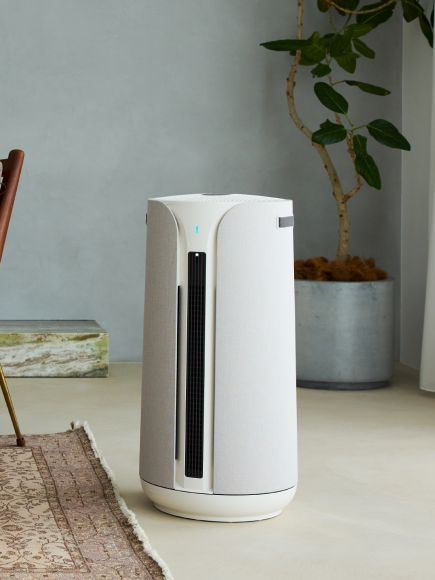
Note: If you see a red light on the front LED of your air purifier, this LED is indicating that the air quality in the room is poor. If it is always on red, please make sure to clean the sensors inlets at the back of your air purifier.
Frequently Asked Questions About Blueair Red Light Reset
Q: Why is there a red light on my Blueair purifier?
A: The red light indicates your filter needs replacement. Blueair purifiers track filter usage hours and illuminate the red light when the filter has reached its recommended lifespan (typically 6 months of 24/7 use).
Q: How do I reset the filter light on my Blueair purifier?
A: Press and hold the filter reset button (usually on top or back of unit) for 5-10 seconds until the light turns off or changes color. The exact location varies by model—check your specific model instructions above.
Q: Can I reset the red light without changing the filter?
A: Yes, you can reset the indicator, but it's not recommended. The red light appears based on actual usage hours. Only reset without replacing if you've recently changed the filter or are using the purifier in a very clean environment.
Q: What happens if I don't reset the red light after changing the filter?
A: The purifier will continue working normally, but the red light will stay on and you won't have an accurate indicator for your next filter change. Always reset after installing a new filter to maintain proper tracking.