


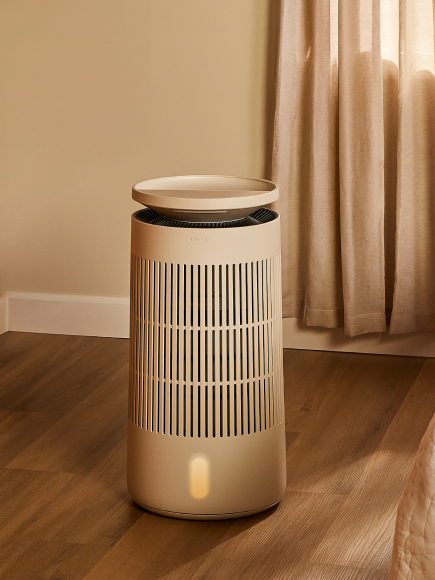











To clear the cleaning reminder simply unplug the device from power then unlock and remove the top section from the tank. Leaving the pump in place, fill the tank halfway with water then add descaling powder directly to the tank following the instruction on the Blueair Descaling Powder packaging. Allow the tank and pump to soak in the descaling solution for 2 hours, then dump the tank rinse all components and reassemble the device. After re-assembly and refilling the device with water the cleaning reminder will clear and the pump will resume normal operation.
For additional instructions on caring for your humidifier visit our Humidifier Care Page