








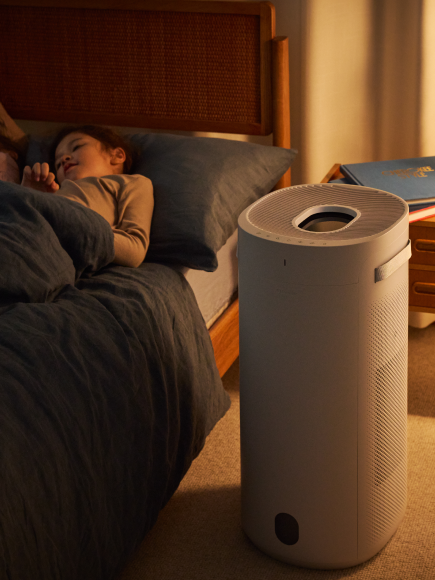




The AirSense Mode on the Blue Signature air purifier is a feature that refreshes your air twice per day based on smart algorithms. AirSense typically runs for 10–25 minutes per cycle, depending on what the device has learned about your environment.
It is designed to keep your air fresh without running the purifier continuously at high speeds or waiting for pollutants to be detected. AirSense is automatically enabled when the device is set to either Auto or Eco mode and deactivated on any other fan speed.
AirSense activates only when PM2.5 levels are below 5 for an extended period
If pollution levels are higher than that, the unit will already increase fan speed through Auto Mode, so AirSense won’t be triggered
This ensures AirSense is used for refreshing the room, not reacting to active pollution events
How to Disable AirSense Mode for Auto/Eco Modes:
- Open the Blueair App
- Select your Blue Signature device
- Go to Device Settings
- Toggle AirSense Mode ON