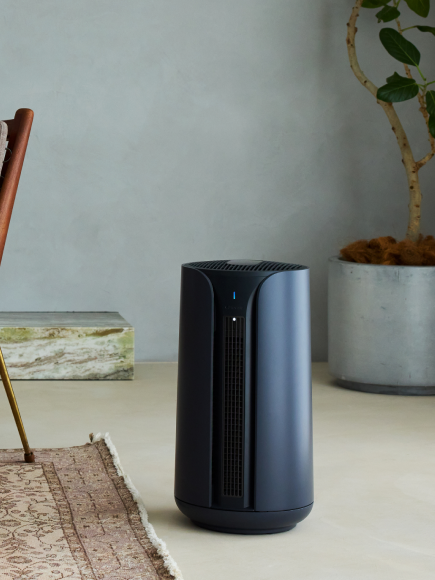
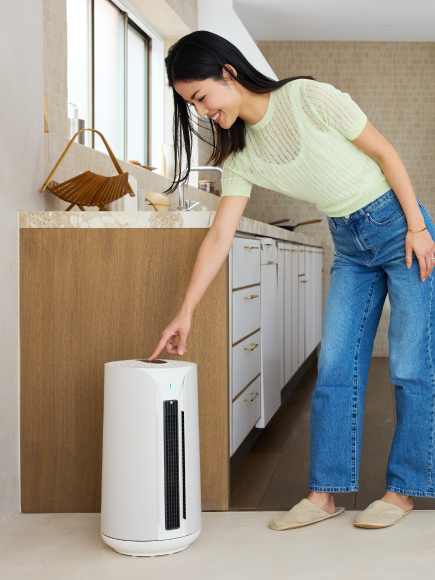
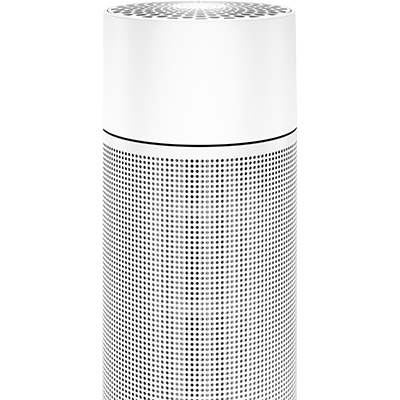
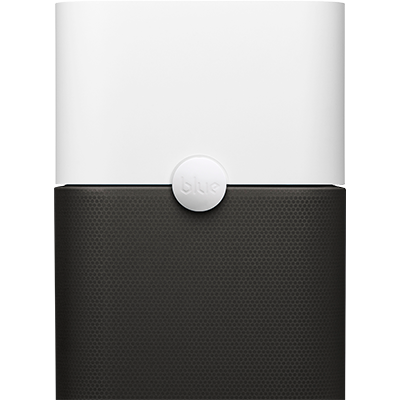
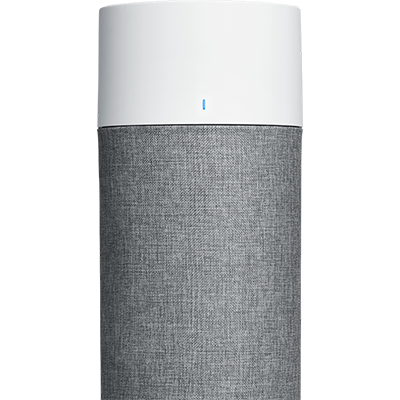
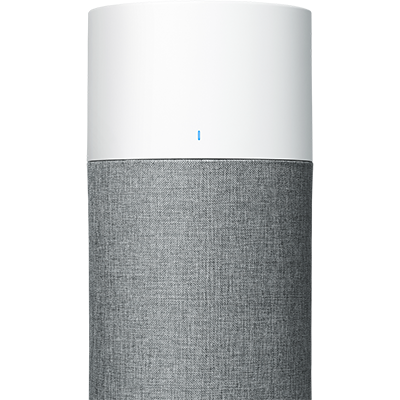
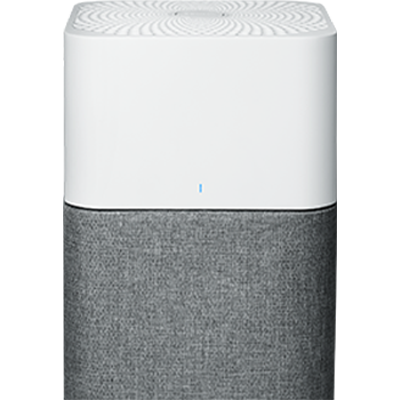
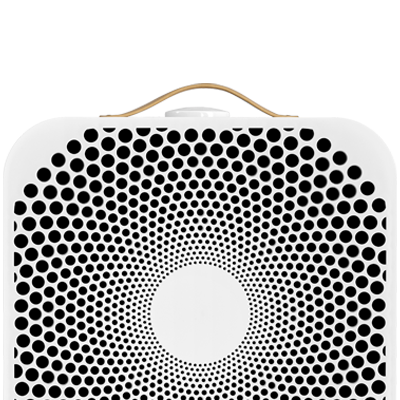
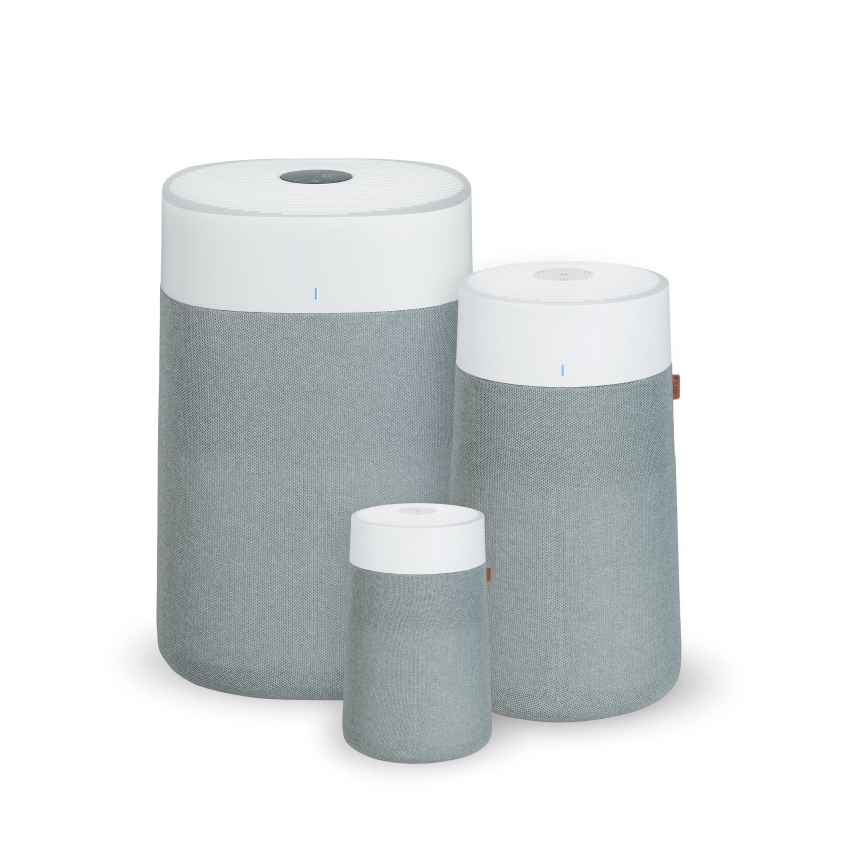
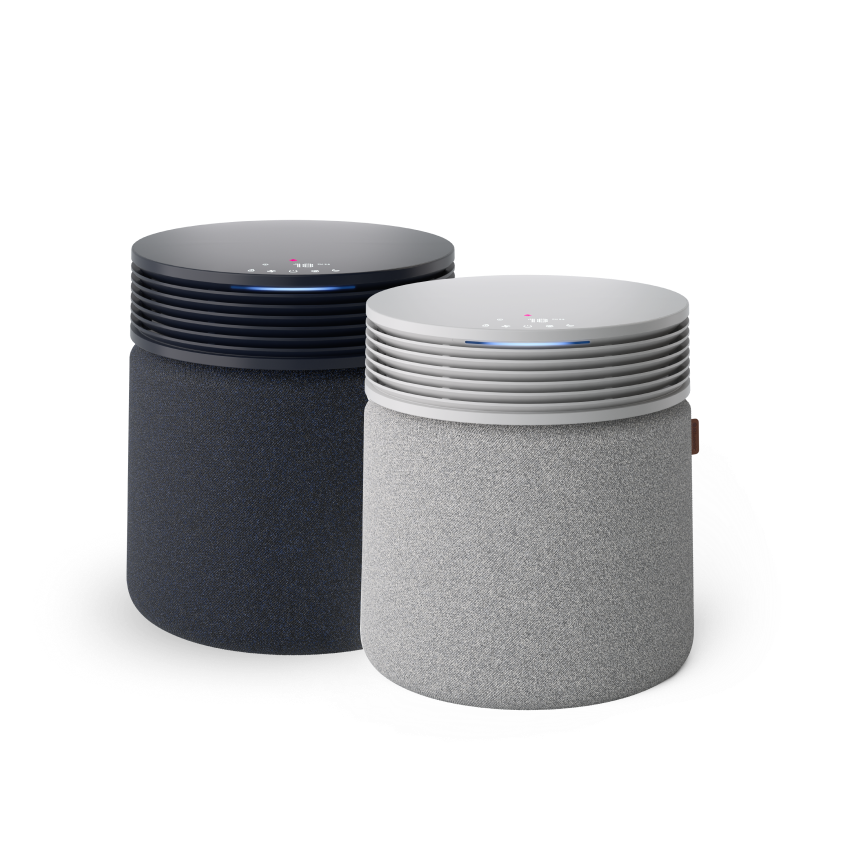
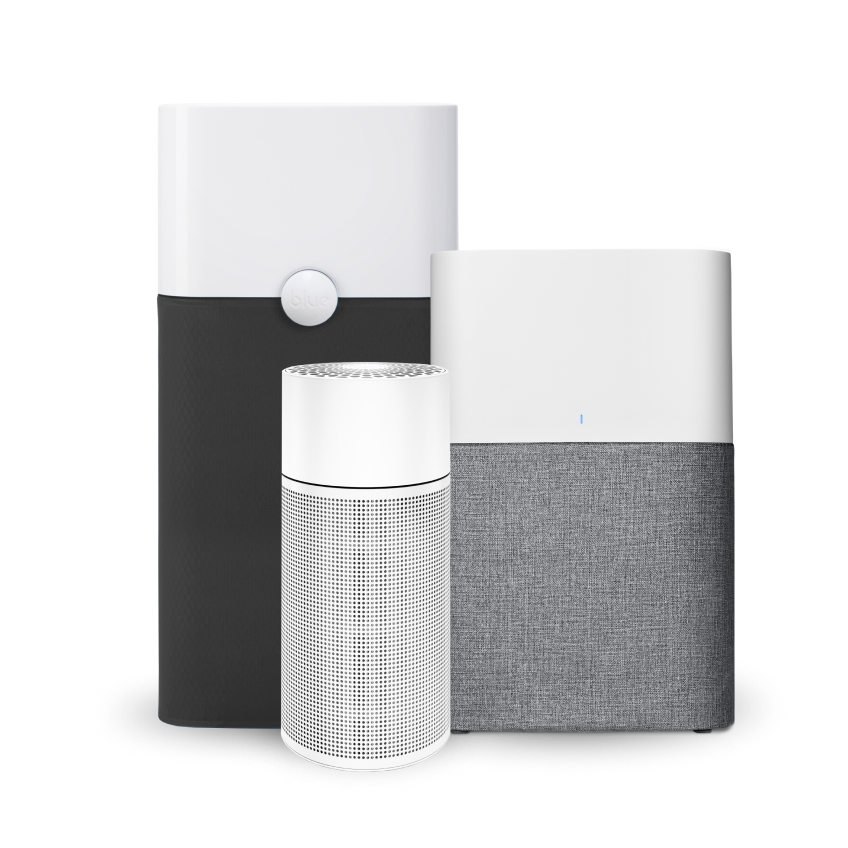
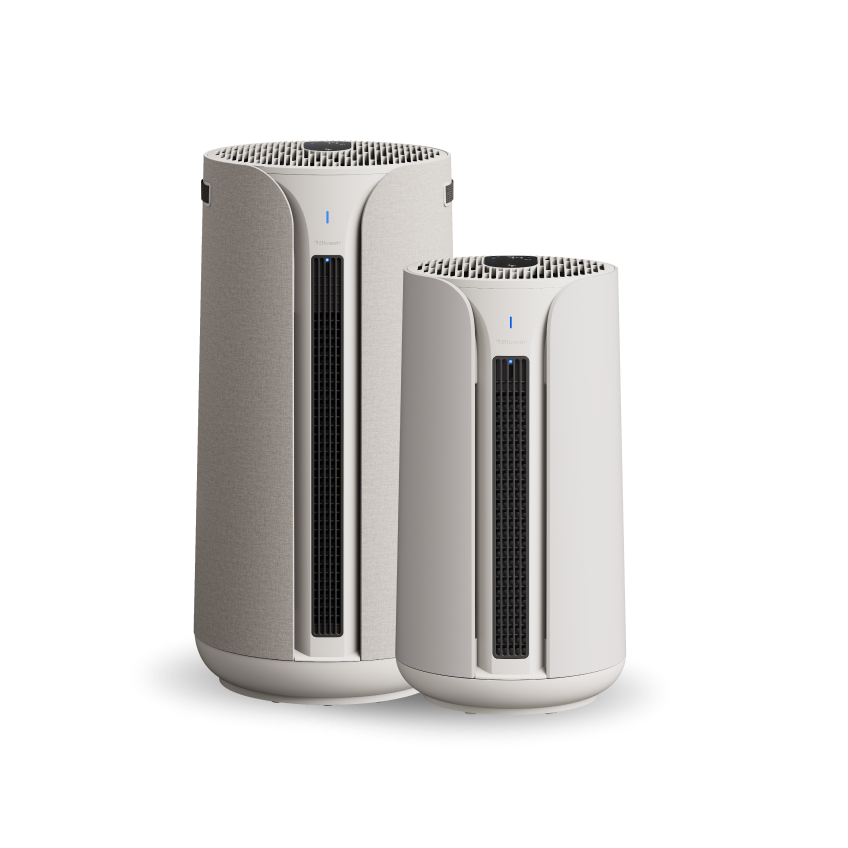
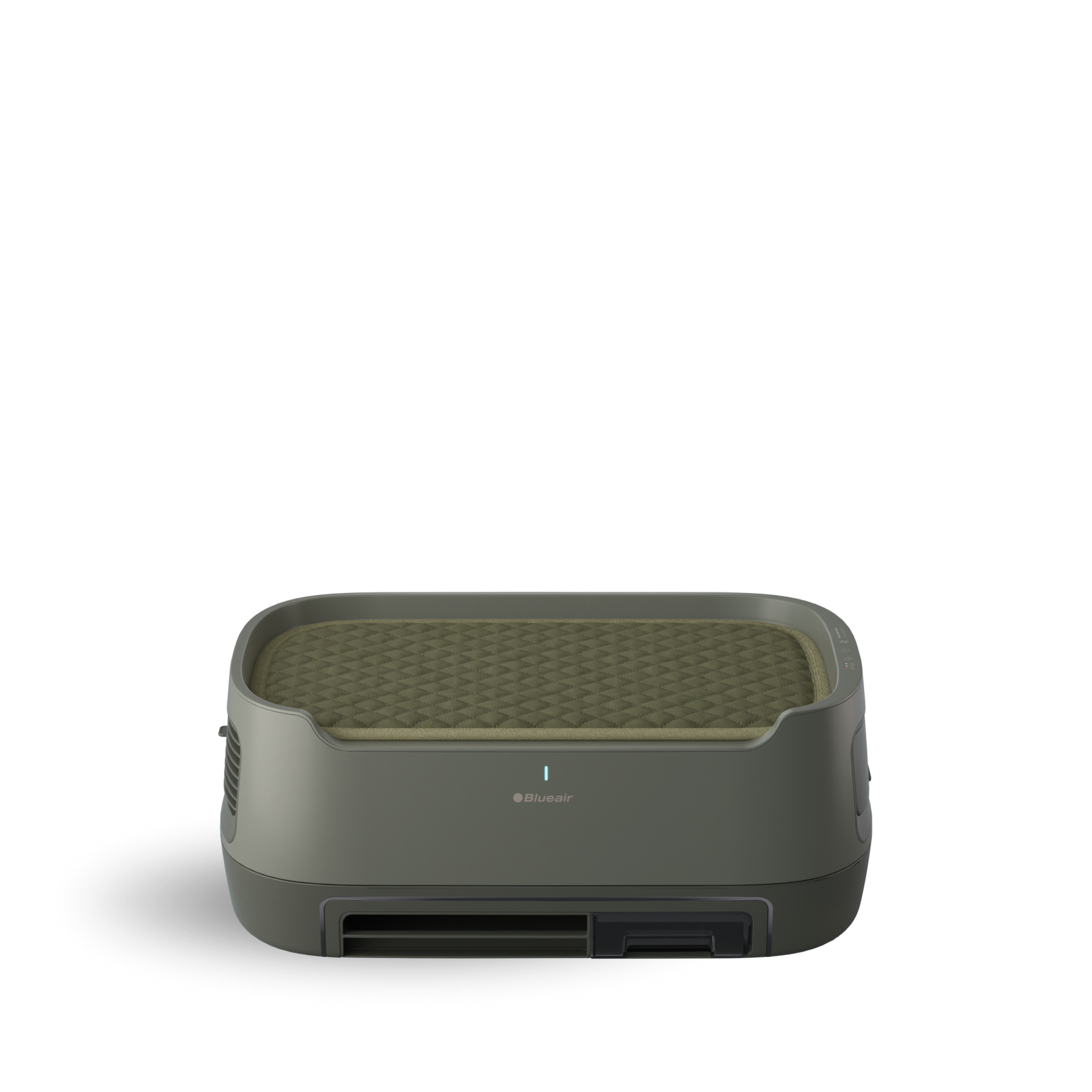
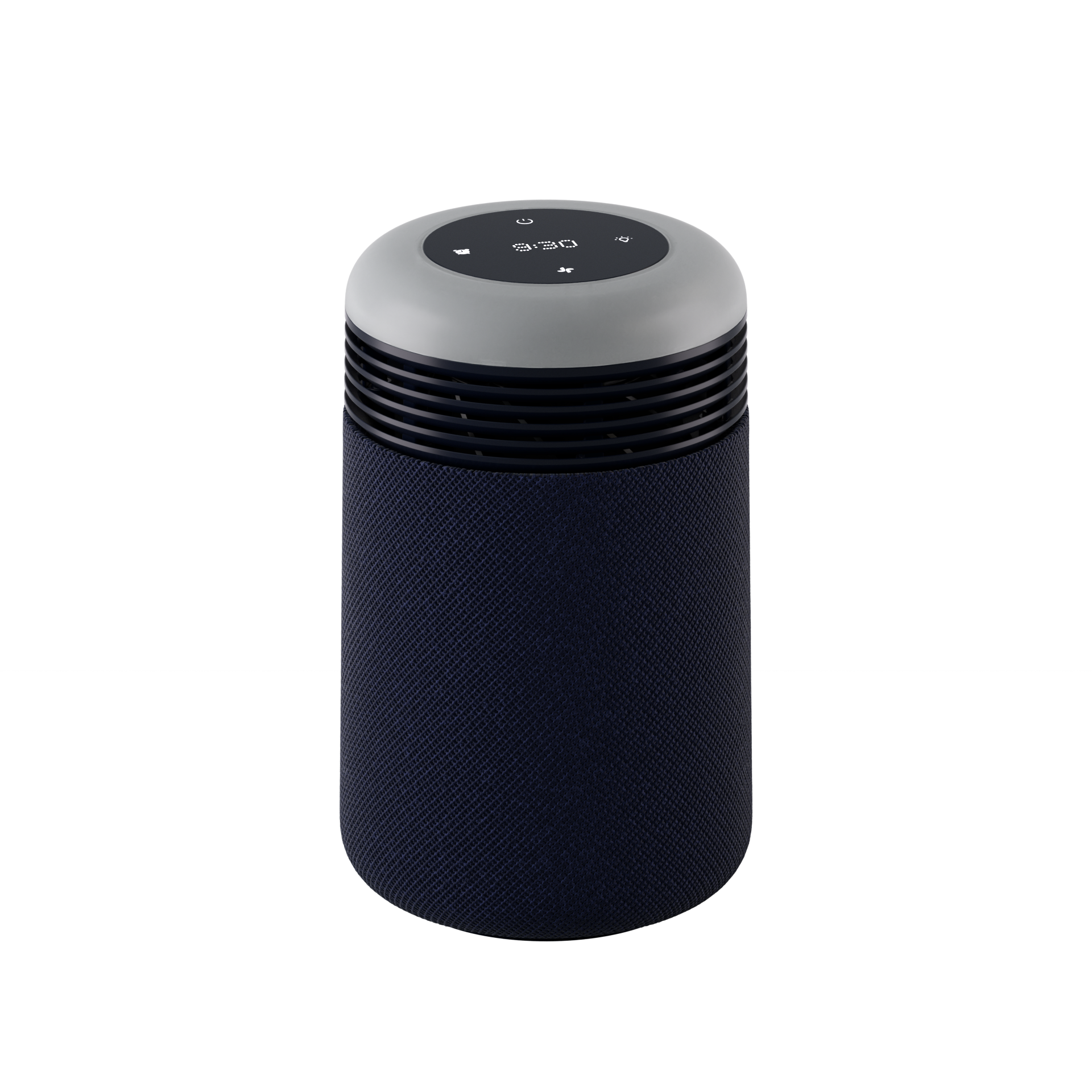
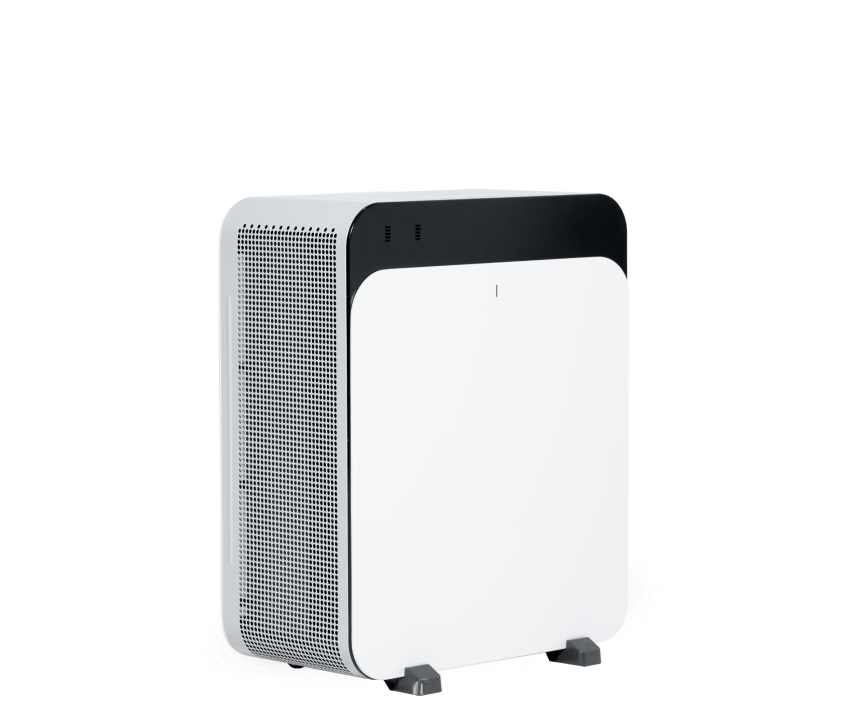
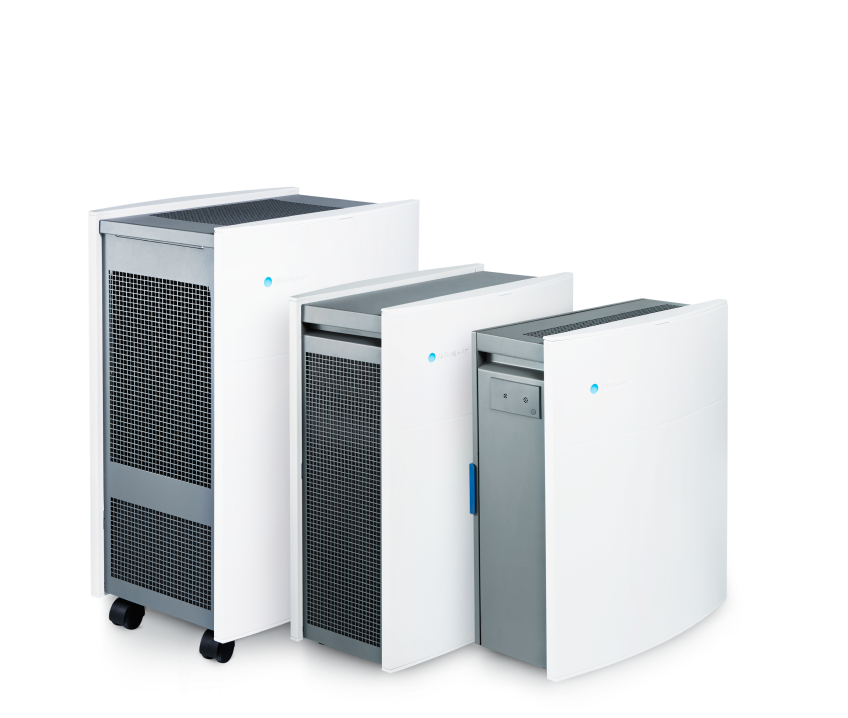
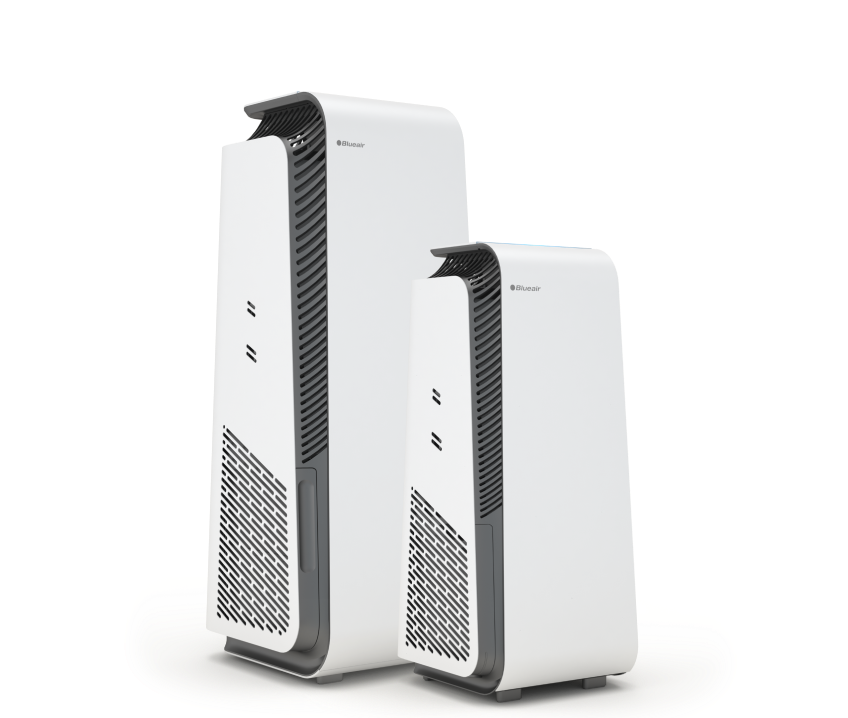
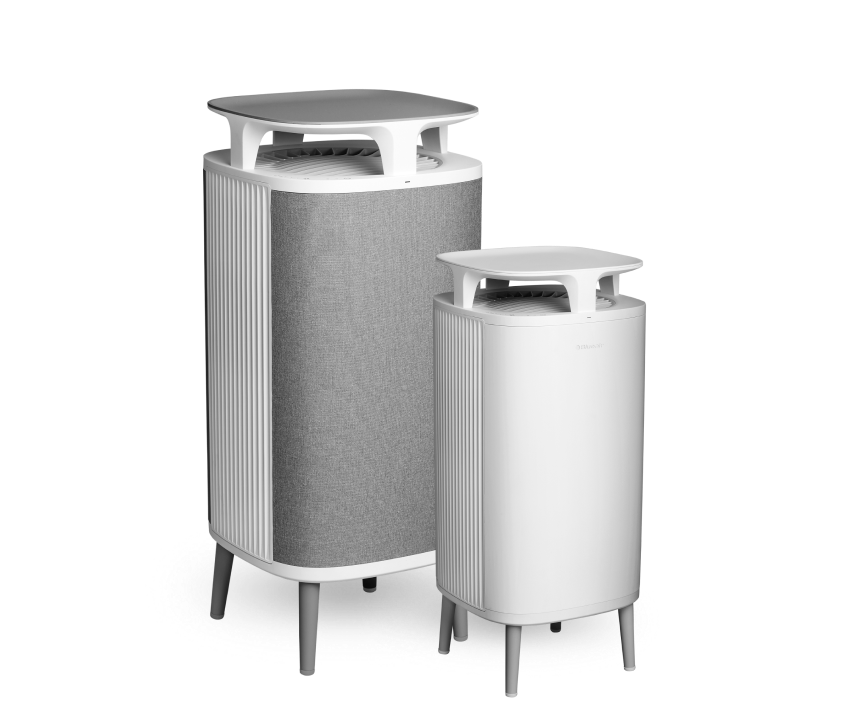
To view the user manual for Blue Pure and Blue Auto units, please follow this link and scroll down to the Specifications & Instructions section, then click on the user manual for your corresponding model.
https://support.blueair.com/faq/s/topic-blue?language=en_US
Frequently Asked Questions About Blueair Manuals
Q: Where can I download my Blueair manual if I’ve lost the printed copy?
A: All Blueair manuals are available as free PDF downloads from the official Blueair website. Select your model (411 Auto, 311 Auto, Blue Pure 211, etc.) to access the direct download link. You can also find manuals in the Blueair app under Settings > Support.
Q: How do I set up my Blueair air purifier without the manual?
A: Basic setup:
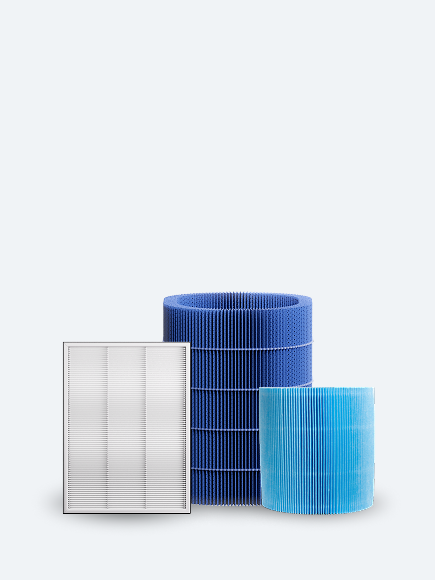
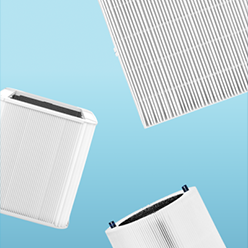
Remove the filter from the plastic bag
Insert the filter into the unit with the arrow pointing up
Plug in the unit and press the power button
For Auto models, the sensor calibrates automatically over 7 days. Detailed instructions are available in the model-specific sections.
Q: Are Blueair 411 and 411 Auto manuals the same?
A: No. The 411 Auto includes additional instructions for the particle sensor and auto mode features, while the standard 411 has manual-only controls. Download the correct manual for your specific model.
Q: How do I know when to replace my Blueair filter?
A: Auto models display a filter indicator light when replacement is needed (typically after 6 months)
Non-Auto models: replace every 6 months with average use, or every 3 months in high-pollution areas
Check your manual for model-specific LED indicators.