


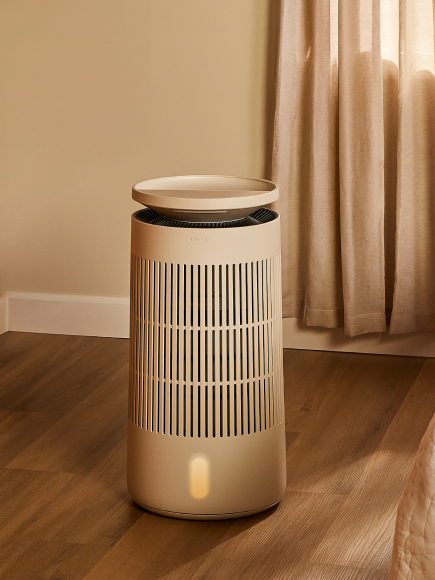











Choosing the correct replacement filter for your Blueair Signature unit ensures it performs at its best. Here's how to determine the right filter for your device:
- Purchase Filters for Blueair Signature Large (SP4i) here.
- Purchase Filters for Blueair Signature Medium (SP3i) here.
Use the Built-In NFC Tag for Filter Matching
To make filter selection easier, each Blueair Signature unit includes a built-in NFC sticker that can be scanned with smartphone:
- Signature Large NFC sticker is located inside the unit beneath the filter
- Signature Medium NFC sticker is located underneath the pre-filter next to the sensors
When scanned, it will automatically open a page with the correct replacement filters for your specific unit model. This removes all guesswork and ensures you get the filter your device is designed for.
