


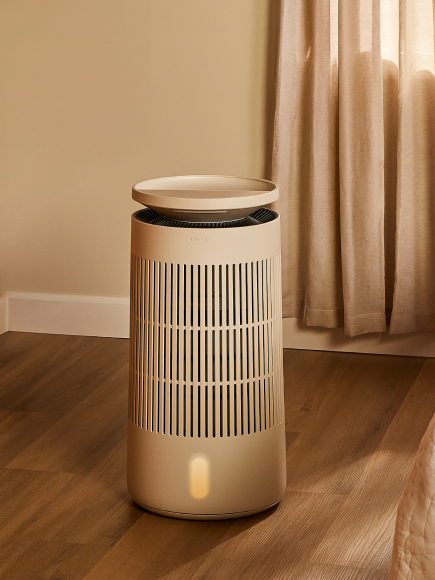











Press and hold the Power button on the devcie user interface for 5 seconds to activate Display Lock. The controls and screen will be locked. Unlock the same way, or through the Blueair app.
Back to Fan


Start shopping to qualify for free shipping!
This website uses cookies to improve your experience. By continuing to use our website you are consenting to our cookie policy.
Press and hold the Power button on the devcie user interface for 5 seconds to activate Display Lock. The controls and screen will be locked. Unlock the same way, or through the Blueair app.