


Fan
User Manuals & Replacement Filters
Handheld Fan
Tabletop Fan
Start shopping to qualify for free shipping!
This website uses cookies to improve your experience. By continuing to use our website you are consenting to our cookie policy.
The Fan remote control comes from the factory with a CR 2025 (3V coin cell battery) pre-installed. Before the first use of the remote, remove the plastic pull tab from the bottom of the remote. Do not substitute a CR 2032 — it is slightly too large and the cover may not close properly.
Use the included Allen key to press into the small opening on the back of the remote. Then remove the battery cover by sliding the battery compartment door toward the bottom of the remote. After exchanging the battery, slide the cover back on until it clicks securely. When installing a new battery, insert the battery positive side up.
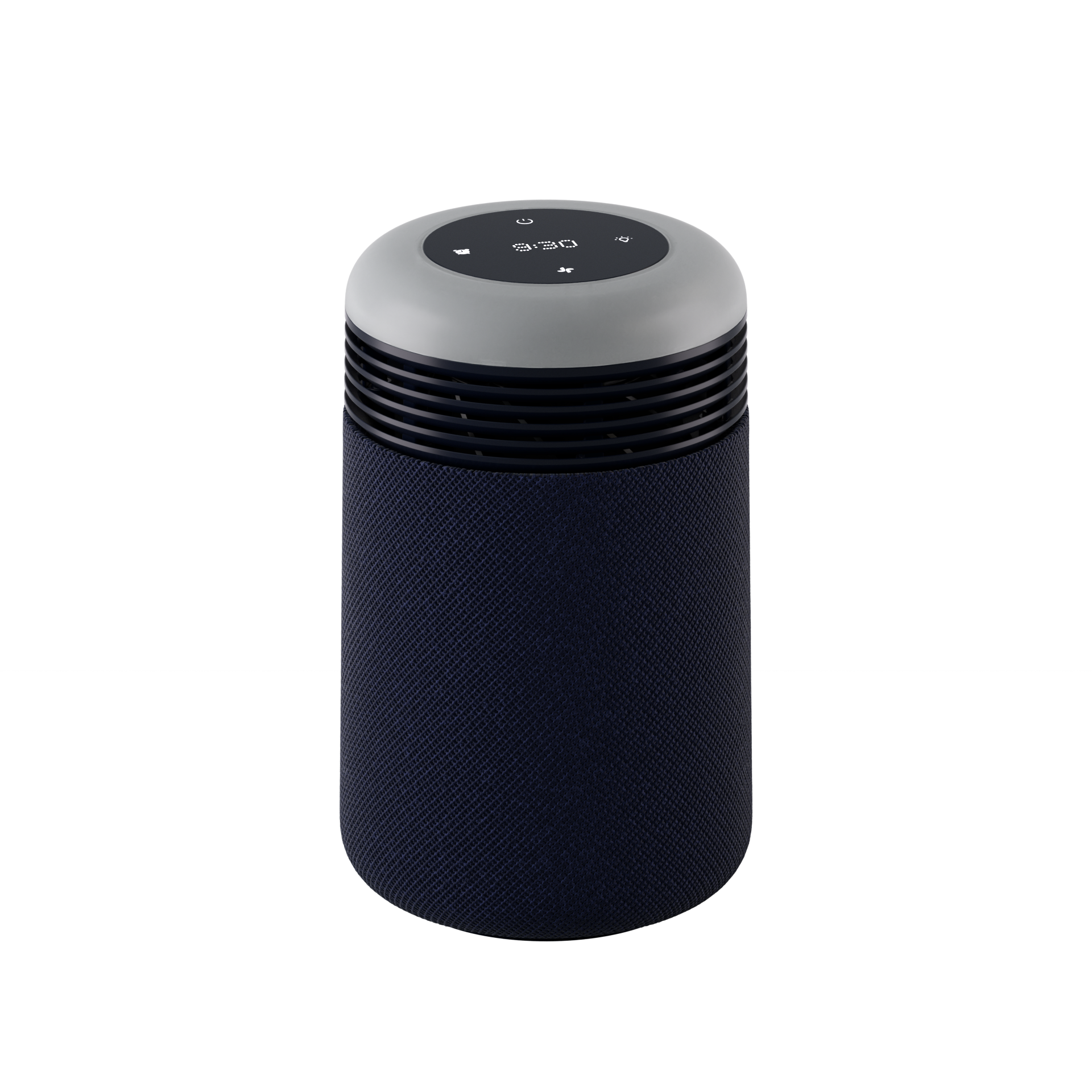
The remote magnetically attaches to the rear post of the fan for convenient storage. Place the remote, oriented vertically, on the flat surface on the rear of the post to attach it.

Yes. Like all Blueair fans and air purifiers, the tabletop fan is powered by a brushless DC (BLDC) motor — part of our Aerosilent™ technology. Designed for efficient, low-vibration performance, it's the same motor platform trusted across our full product line.
Aerosilent™ technology goes beyond just the motor. In addition to the brushless DC motor keeping mechanical noise low,we've worked to reduce sound from the airflow path and blade design — the parts of a fan that typically generate the mostnoise. The goal: a fan that performs well on a desk or nightstand without becoming a distraction.