


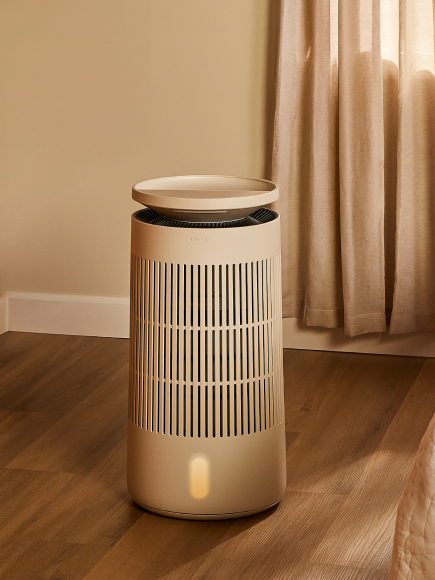











Auto Mode simulates a natural breeze by smoothly varying fan speed and using preset oscillation. Airflow strengthens as the fan head turns toward center and softens as it turns away.
Three preset levels are available: Low (speeds 1–2), Medium (speeds 3–4), and High (speeds 5–6). You can set the mode directly in the App or by clicking on the Auto button 1 (Low), 2 (Medium) and 3 (High).