


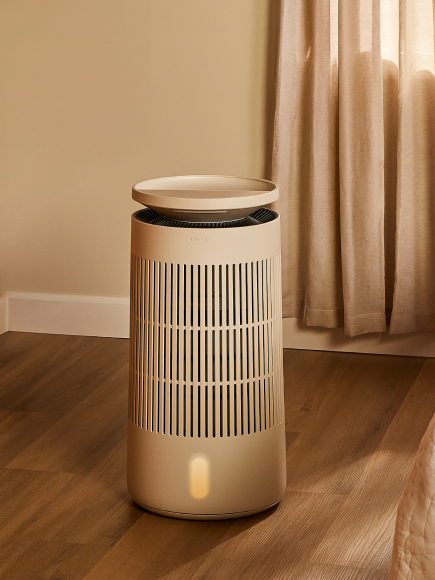











The Auto button is on the Halo ring at the top of the fan — it's the icon that looks like a circular 'A'. If the Halo is dimmed, tap anywhere on it once to wake it up (the display dims automatically after 15 seconds of inactivity), then press and hold the Auto icon for 5 seconds to enter Wi-Fi pairing mode.
Back to Fan