


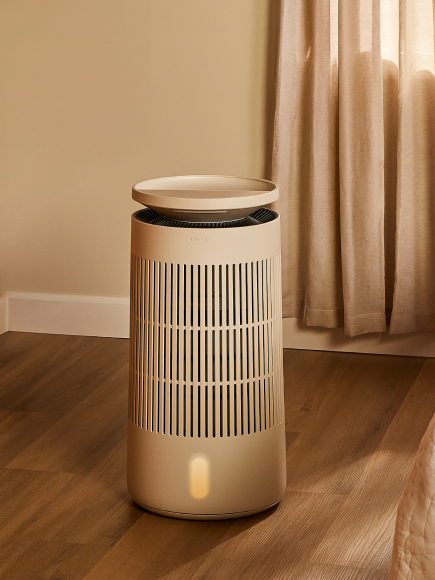











Night Mode is designed for sleeping:
-
It dims the Halo display to its lowest brightness so it doesn't light up a dark room.
-
It slows down the oscillation speed.
-
It automatically sets oscillation to Loop pattern.
-
You can still adjust oscillation manually while in Night Mode.
-
Fan speed can be adjusted in the app while Night Mode is active.
Auto Mode, by contrast, adjusts fan speed based on temperature and does not affect display brightness oroscillation speed. You can pair Night Mode with a timer to have the fan slow down and then turn off automaticallyduring the night.