










Identifying your device information is important for warranty registration, support, and purchasing replacement filters. Here's where to locate the key details on your Blueair Signature Large and Signature Medium units:
Serial Number & Model Number:
You can find both the serial number and the model number printed on a label located on the bottom of the device.
To view it, carefully tilt or lift the unit and check the underside for the printed label.
Signature Large MAC Address:
The MAC address is found inside the unit, beneath the air filter.
To access it:
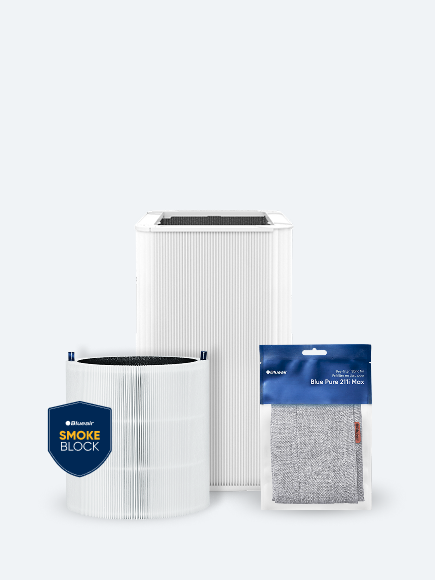
Remove the pre-filter fabric.
Unlock and take out the air filter.
Look for the label inside the chamber where the MAC address is printed.
Signature Medium Mac Address:
The MAC address is found under the Serial Number label that's located on the bottom of the device.