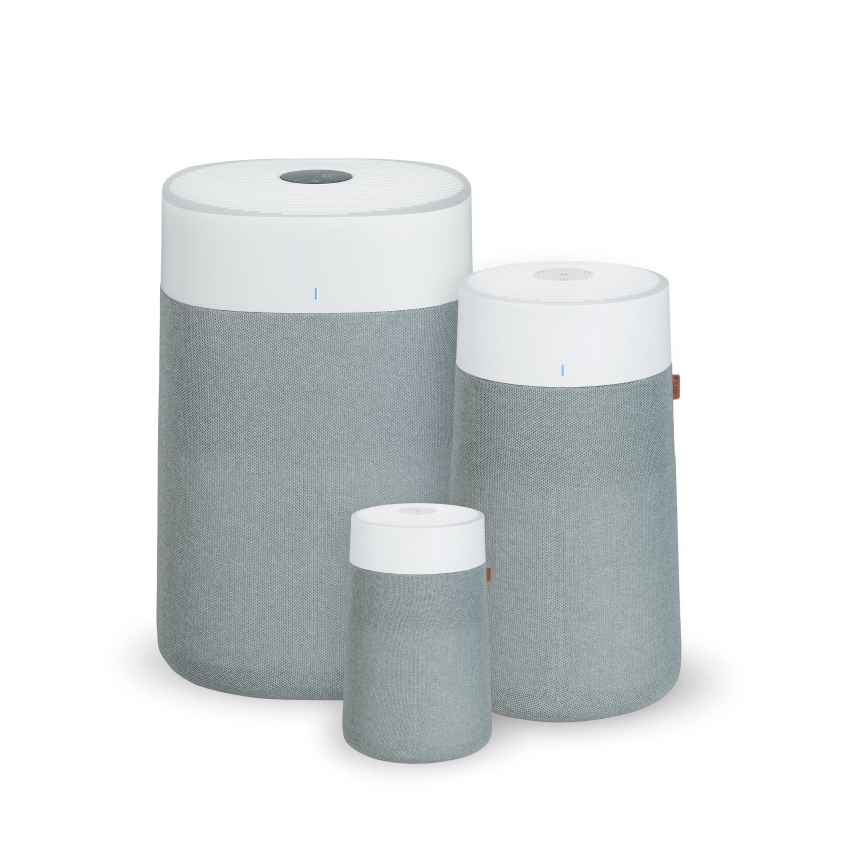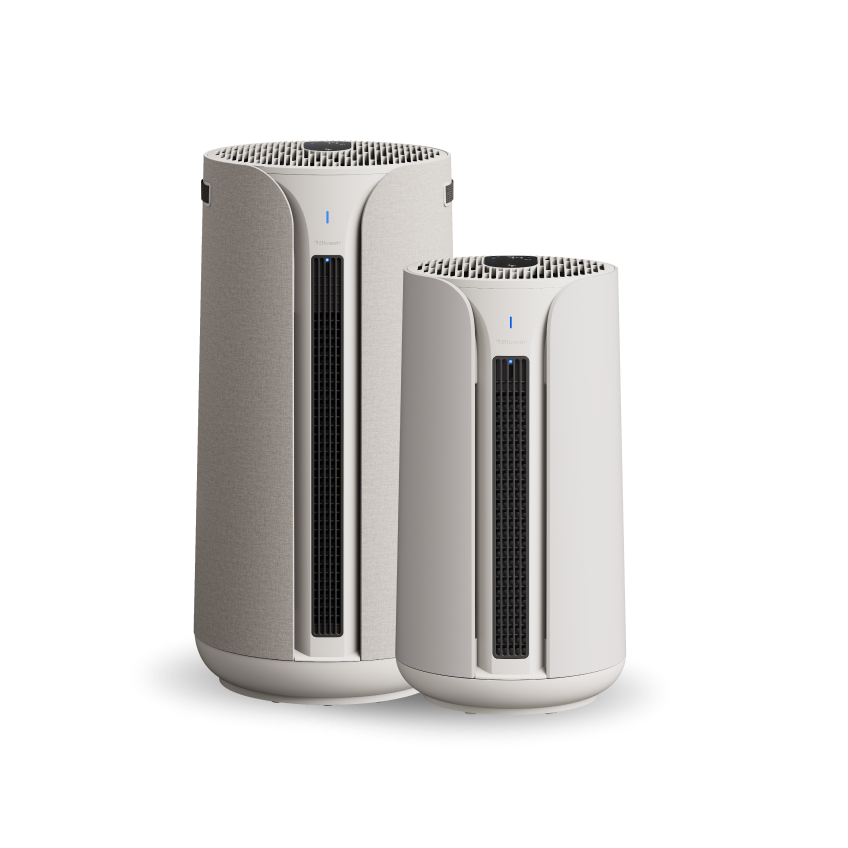

Blue Signature
How to Use Videos
Blue Signature Troubleshooting
User Manuals & Replacement Filters
Blue Signature SP3i
Blue Signature SP4i
Start shopping to qualify for free shipping!
This website uses cookies to improve your experience. By continuing to use our website you are consenting to our cookie policy.
Yes—the Blue Signature Large SP4i air purifier is actively working, even if the improvement in air quality isn't immediately noticeable. The unit continuously monitors airborne particles using its integrated laser particle sensor, which detects levels of PM1.0, PM2.5, and PM10. When in Auto Mode, the fan speed automatically adjusts based on real-time air quality readings to deliver optimal performance without unnecessary noise or energy use.
To ensure you get the best results, follow these expert setup tips:
Remove the plastic wrap from the filter before using the air purifier. Operating the unit with the packaging still on will prevent proper filtration.
Use in an appropriately sized room—not larger than the recommended capacity of 705 sq. ft.
Allow for proper airflow—place the purifier where air can circulate freely around it.
Maintain clearance—keep at least 4 inches (10 cm) between the unit and surrounding objects.
Close doors and windows while the purifier is operating to prevent new pollutants from entering.
Replace the filter when the indicator on the control panel alerts you—this is crucial for maintaining performance.
Follow routine maintenance as outlined in your user manual.
With these steps, you can be confident that your Blue Signature purifier is delivering cleaner, healthier air—even if it's working quietly in the background.
Great question—and the short answer is: No, switching between PM levels in the app does not affect how your Blue Signature Large (SP4i) air purifier functions.
The Blue Signature air purifier is equipped with advanced laser sensors that continuously monitor PM1, PM2.5, and PM10—three key categories of airborne particulate matter. In the Blueair app, you can toggle between these readings to see real-time air quality data for different particle sizes. However, this only changes what is displayed in the app; it does not change the filtration behavior of the device.
Regardless of which PM level you're viewing, the air purifier is always operating at full efficiency, removing particles as small as 0.1 microns from your indoor air—including smoke, dust, pollen, and other airborne pollutants.
In short, the display helps you better understand your air quality, while the purifier handles the rest—automatically and effectively.
To perform a factory reset on your Blue Signature Large and Medium air purifiers, follow the simple steps below. A factory reset will erase all custom settings, including Wi-Fi connections, and return the device to its original default configuration.
What Happens After a Factory Reset?
When Should You Factory Reset?
To keep your Blue Signature Large and Medium air purifiers operating at peak performance, Blueair recommends a combination of routine cleaning, filter care, and safety checks. Below is a complete breakdown of the recommended maintenance tasks:
1. General Cleaning
Frequency: Monthly or as needed
What to Do:
2. Pre-Filter Maintenance
Frequency: Every 2–4 weeks (more often if you have pets or high dust levels)
What to Do:
3. Filter Replacement
Frequency: Every 9–12 months, or when the filter replacement indicator turns red
What to Do:
5. Sensor Care (Air Quality Sensors)
Frequency: If air quality readings seem inaccurate
What to Do:
If your Blue Signature Large (SP4i) or Medium (SP3i) air purifier isn’t powering on, follow these expert troubleshooting steps to identify and resolve the issue:
Step 1: Confirm the unit is receiving power
Step 2: Test the power source
Step 3: Check for firmware and power compatibility
Step 4: Perform a factory reset
If your air purifier still does not turn on after these steps—or if you notice any signs of damage—please contact Blueair Customer Support. Our team is ready to assist you and ensure your device is working as it should.
Air purifiers can produce varying noise levels depending on usage and environment. Here’s what to know—and do—if your device sounds louder than expected:
Normal Sounds You May Hear
High fan speed: Louder noise is normal when the air purifier is set to a higher fan speed, as it’s working harder to clean the air. Lower speeds will operate more quietly.
Dirty filters or pre-filters: If filters become clogged, airflow may be restricted, causing the motor to work harder and sound louder.
Room acoustics: In rooms with hard surfaces, high ceilings, or minimal furnishings, sound may echo more compared to softer, carpeted, or furnished spaces.
Troubleshooting Unusual Noises
If your air purifier is making a sound that seems out of the ordinary:
Turn off and unplug the device.
Remove the main filter(s) according to the user manual and ensure the plastic wrap has been removed (if applicable to your model).
Inspect for obstructions or buildup:
Look inside the unit (for Blueair purifiers, check from the top).
Check around the air inlets and outlets.
Ensure nothing is placed on top of or leaning against the air purifier.
Clean any dust or debris from the pre-filters, if your model has them.
Reinstall the filters correctly, making sure they are seated properly.
Allow at least 4 inches (10 cm) of space around the purifier for proper airflow.
Place the unit on a stable, level surface to avoid vibration or rattling.
If the noise persists or you notice visible damage, please contact Blueair Customer Support for assistance. We’re here to help ensure your air purifier performs at its best.
The VOC Index runs on a scale from 1 to 500:
On the device display, this is translated into simplified air quality levels shown as L1 to L5, which correspond to the five AQI light colors.
| VOC 1-150 | Blue - Excellent |
| VOC 151-275 | Green - Good |
| VOC 276-375 | Yellow - Moderate |
| VOC 376-450 | Orange - Polluted |
| VOC 451-500 | Red - Very Polluted |
Blueair does not display VOC levels in ppb or µg/m³. Instead, the VOC sensor uses a VOC Index, which is a smart measurement based on how current VOC levels compare to your environment’s recent air history.
This index reflects VOC concentration relative to the past 24 hours, which helps the device recognize changes in air quality rather than relying on a fixed baseline.
VOC sensors can vary widely depending on calibration, environment, and sensitivity this is why we don't show VOC in ppb like other devices. The VOC Index method is designed to provide a more stable and meaningful indoor air quality indicator, based on trends and changes over time. Because of this, the VOC Index is not directly comparable to devices that show VOC levels in ppb.
Yes - depending on your settings.
By default, Auto Mode can respond to both:
If VOC levels rise (for example during cooking or cleaning), the device may increase fan speed to help clear the air more quickly.
If you feel the fan increases speed too frequently, you can adjust Auto Mode settings in the app to respond to PM only instead and toggle off TVOC.
Blueair Signature Medium models are equipped with a VOC sensor and can detect volatile organic compounds (VOCs) — gases released from common household sources such as cooking, cleaning products, sprays, paints, and fragrances.
AirSense uses an adaptive algorithm to determine how long each refresh cycle should run.
Here’s how it works:
AirSense starts by running a cycle between 10 and 25 minutes
If the device consistently detects “hidden” pollution after refreshing the room, it learns to run longer refresh cycles.