


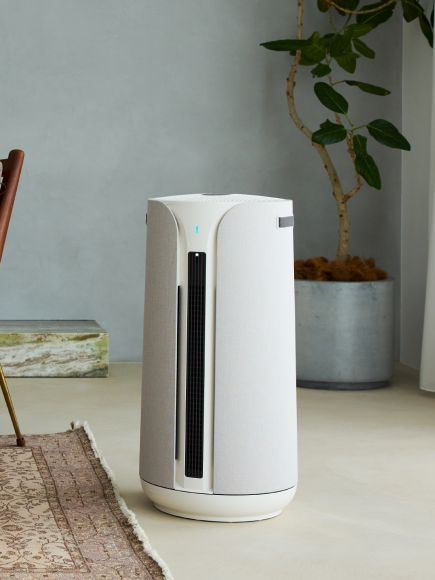









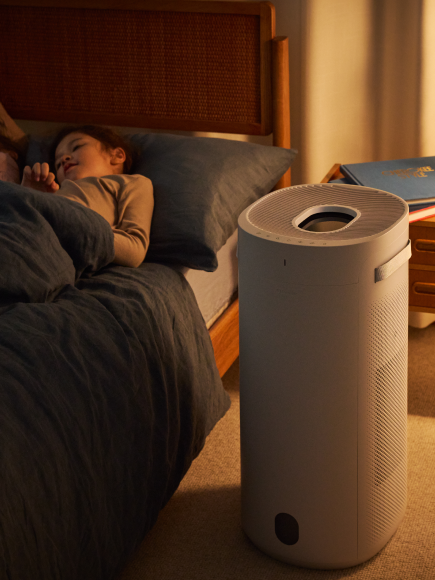





Display Lock is likely active. When enabled, it disables both the on-device controls and the remote to prevent accidental changes. To deactivate it, press and hold the power button on the Halo for 2 seconds. If the remote is also locked out, you'll see the LED on the fan head flash red when you press remote buttons — that's the indicator that Display Lock is on. Once unlocked, the LED flashes blue to confirm remote inputs.