


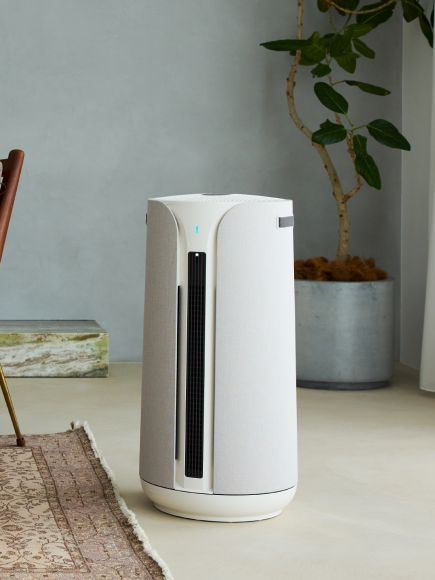









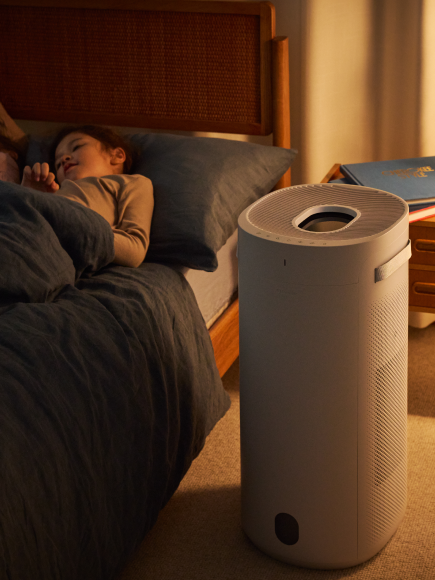



Auto Mode adjusts fan speed automatically based on the room's ambient temperature. When the room gets warmer, speed increases; when it cools down, speed decreases. You can still adjust oscillation settings manuallywhile Auto Mode is running. Auto Mode is configured through the Blueair app, where you can set the temperature thresholds that control when the fan ramps up or down.
For best results, place the fan away from direct sunlight, A/C vents, or heating registers — any of those can skewthe sensor reading and cause unexpected speed changes.