


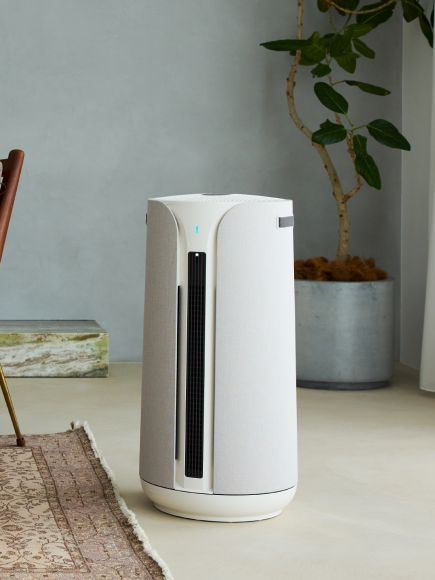









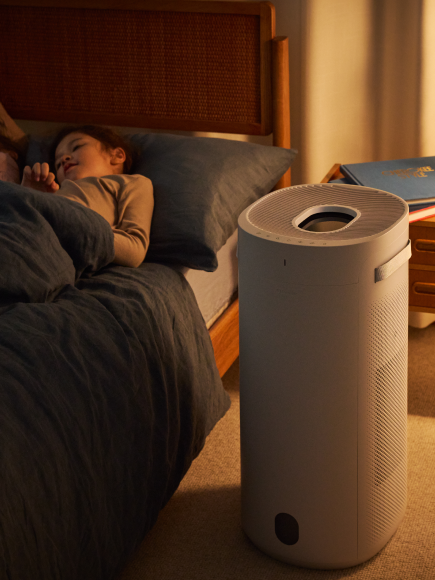




You can control brightness in two ways:
- In the Blueair app – Adjust brightness using the brightness slider directly within the device settings. The brightness can be adjusted to any percentage between 0% and 100%.
- On the unit itself – Use the Fan Speed + On/Standby button combination to cycle through brightness levels. Hold the on/standby button while tapping the Fan Speed button, the brightness will change from low to higher, then back to low in 5 steps (0%, 10%, 40%, 70%, 100%).