




Fan
User Manuals & Replacement Filters
Handheld Fan
Tabletop Fan
Start shopping to qualify for free shipping!
This website uses cookies to improve your experience. By continuing to use our website you are consenting to our cookie policy.
First check that there are no objects obstructing the fan's movement. Turn the fan off for 5 seconds and restart oscillation. If the control panel is unresponsive, the Display Lock may be active. If you see the lock icon on the display— press and hold the Power button for 5 seconds to unlock it.
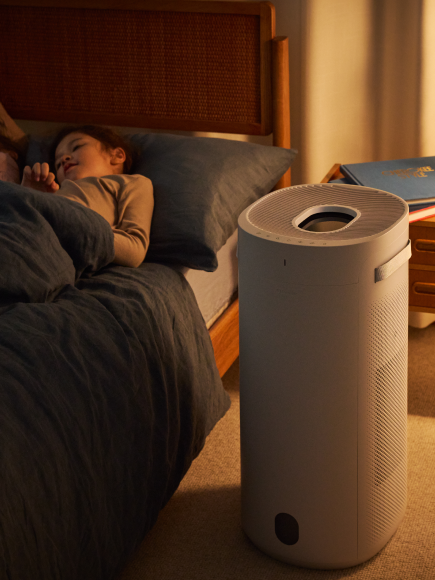
Most sleepers find a nightstand or side table at 2–4 ft from the bed works best. Elevating the fan (rather thanplacing it on the floor) tends to produce more comfortable airflow and prevents it from blowing directly at yourface. If you're sensitive to direct airflow, pointing it slightly away or using the oscillation feature for indirectcoverage works well.
Try moving the fan slightly farther away or enabling the oscillation feature so airflow isn't continuously aimed at your face. Pointing it at a wall and letting the indirect breeze circulate is a popular alternative. A nearby humidifier can also help offset dryness.
Night Mode is tuned to be gentle and quiet during deep sleep. If you run warm, try placing the fan closer to your bed and pointing it toward you. Alternatively, many hot sleepers prefer Auto mode at a higher speed setting — it runs continuously at your chosen level and offers stronger airflow at the medium and high settings throughout the night.
Not on its own — which is why we went further. A brushless DC motor produces less mechanical noise than a conventional motor, but most of the sound you hear from any fan actually comes from airflow and blade movement, not the motor itself. Aerosilent™ technology addresses all of it: the BLDC motor handles mechanical noise, and the overall design has been engineered to minimize aerodynamic noise too.